Ongoing sessions and their charging curve, the history, then a session's details and price.
Transcript Click a paragraph to play the video from there.
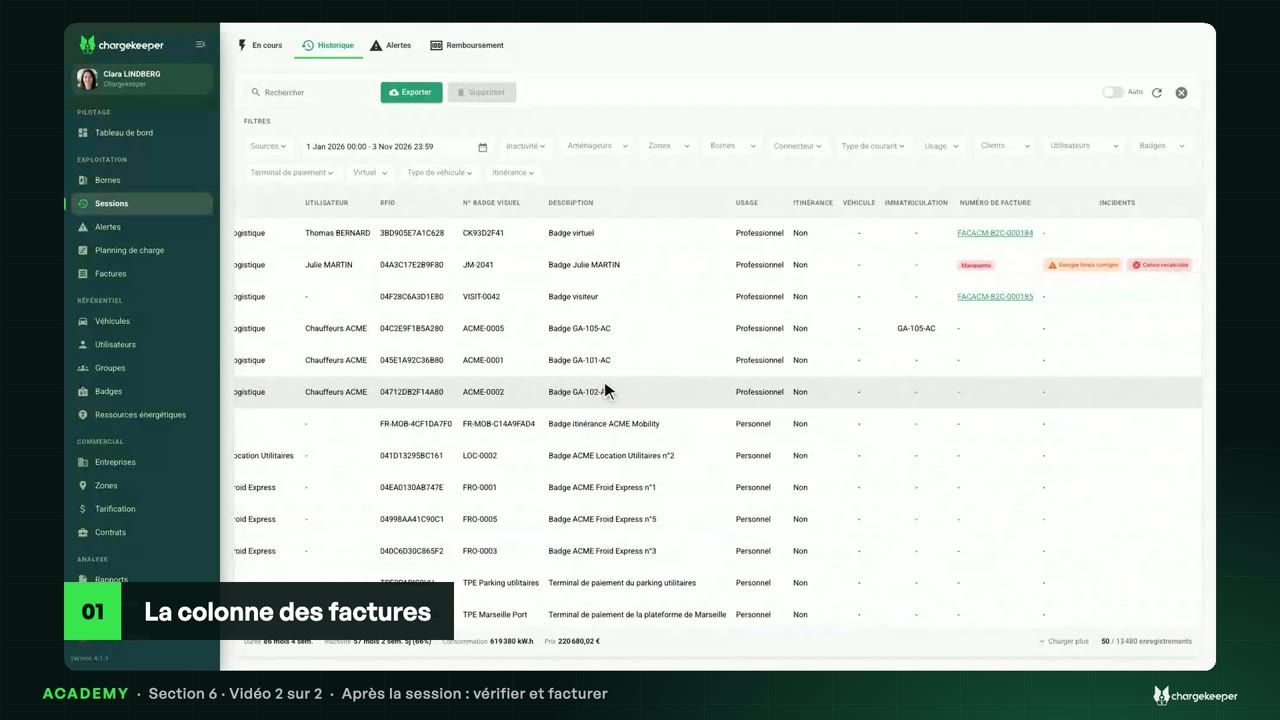
Introduction 0:06 Hello! This section follows a charge, from plugging in to billing. To start: following a charge in progress, finding a past session, and reading its detail, down to its price. Sessions in progress 0:19 “Sessions” menu, “In Progress” tab: the charges of the moment. For each one, the station, the duration, the power, the energy delivered so far, and the price right now. With “Auto”, the list updates itself. 0:34 “View” opens the session. The “Charging curves” tab shows the power and the energy delivered, minute by minute. The curve moves forward during the charge. 0:46 The “Logs” tab shows the dialogue between the station and the platform: each OCPP message, its response, and its content in one click. During the charge, the refresh button brings in the new exchanges. 1:02 To stop a charge: “Stop”, then “Stop the session”. The order goes to the station, which closes the session: the energy is counted and billed. 1:14 If the station no longer responds, “Force stop” closes the session on the platform side, without it. It is a last resort: the billed consumption may be lower than reality. The history 1:27 The “History” tab keeps every finished session: start, end, stop reason, consumption and price. By default, since the start of the year. 1:39 Filters narrow the list: by date, by station, by user or by badge. Here, a single station. “Export” downloads the list. 1:50 The “Issues” column flags a session to check. We come back to it in the “Solving a problem” section. The detail of a session 1:57 Open a finished session. Everything is there: the user and their badge, the station and the connector, the energy, the charging time, the idle time, and the amount. 2:09 Its charging curve: a fast charge. The power drops as the battery fills, then the car stays plugged in, without charging. 2:19 The “Pricing” tab tells which tariff applied, here “Visiteurs — App”, and breaks it down component by component: the flat fee, the energy, and the parking time once the charge is over. 2:33 For each one, the unit price, the quantity, and the amount excluding and including tax. If no tariff applied, the tab says so: the video “Which tariff applies?” explains why. 2:46 Once the session is over, the “Logs” tab keeps this whole dialogue, from start to stop: that is where to look when a session raises a question. Key takeaways 2:57 To remember: “In Progress” follows the charges of the moment, live. “History” keeps every finished session, ready to filter. And the detail of a session shows its curve, its price component by component, and the dialogue with the station. 3:14 In the next video: what happens after the session, checking it, then billing it.